X50 Overview

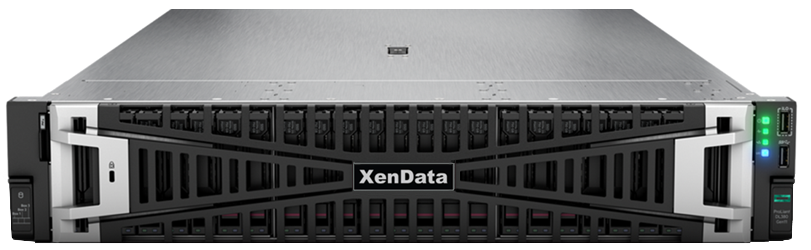
The X50 V3 Archive Appliance manages one or more attached LTO libraries and up to 144 TB of internal RAID.  Designed for long-term data retention, the appliance delivers the economics and durability of LTO with the usability of disk. Content can be written and read via SMB or NFS network shares or as object storage via HTTPS.

  • Supports up to 8 LTO SAS drives or an unlimited number of FC LTO drives when using a FC switch
  • Two models: with either 64 TB or 144 TB internal managed RAID
  • Automatic LTO cartridge replication provides cost effective data protection
  • Writes to LTO using the LTFS format, preventing vendor lock-in
  • File/object versioning provides enhanced ransomware protection
  • Manages an unlimited number of externalized LTO cartridges
  • Easily create LTO cartridges for distribution to others
  • Easy migration to later LTO generations
  • Runs automatically, requiring minimal operator intervention

The XenData X50 V3 appliance provides a future-ready archive platform that grows with an organization’s needs.
File System and S3 Object Storage

By combining familiar Windows file system access with S3 object storage in a single LTO archive system, the X50 V3 delivers a solution that meets current and future workflows.

  • File System Interface: a single standard Windows logical drive letter which scales to 100+ PB and up to 2 billion files. It may be shared as standard SMB or NFS network shares with standard Windows permissions.
  •  

  • S3 Object Storage: Any folder in the file system may be designated as an S3 bucket, accessible via HTTPS. An appliance administrator defines S3 users and assigns an access key and secret key to each user. He or she then assigns permissions for each user to the S3 buckets.

Add a Web Interface to View Media Previews

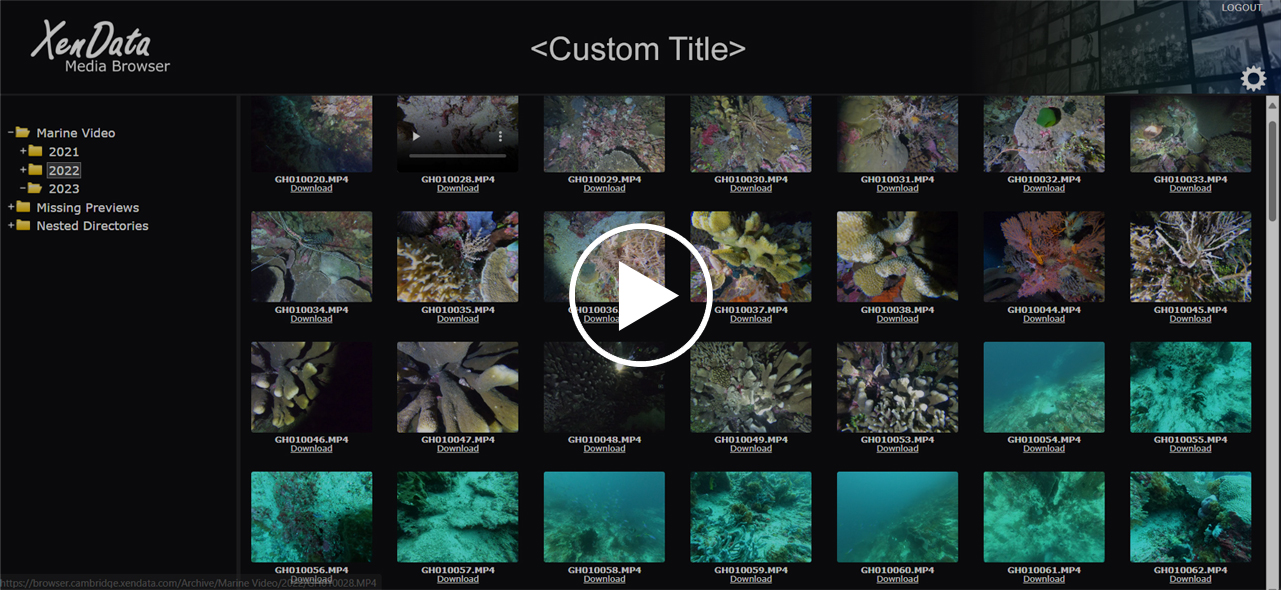
Adding XenData Media Portal software to an X50 allows the user to browse the file system and see previews of video and image files within the selected folder. An authorized user can also use the web interface to download any selected file. By previewing files, users can be sure that they are selecting the correct content before restoring.

Archive and Restore Operations Explained Video

X50 Device Compatibility

LTO Library/Drive Support List

Tape Libraries Often Purchased with X50

24 slot LTO Library
40 slot LTO Library

APIs for Developers

COM/SQL Interface
XML Interface